Appearance
Screen guide
Use this page as a map of the main MH BankStatement screens. The pages you see depend on your role.
Login
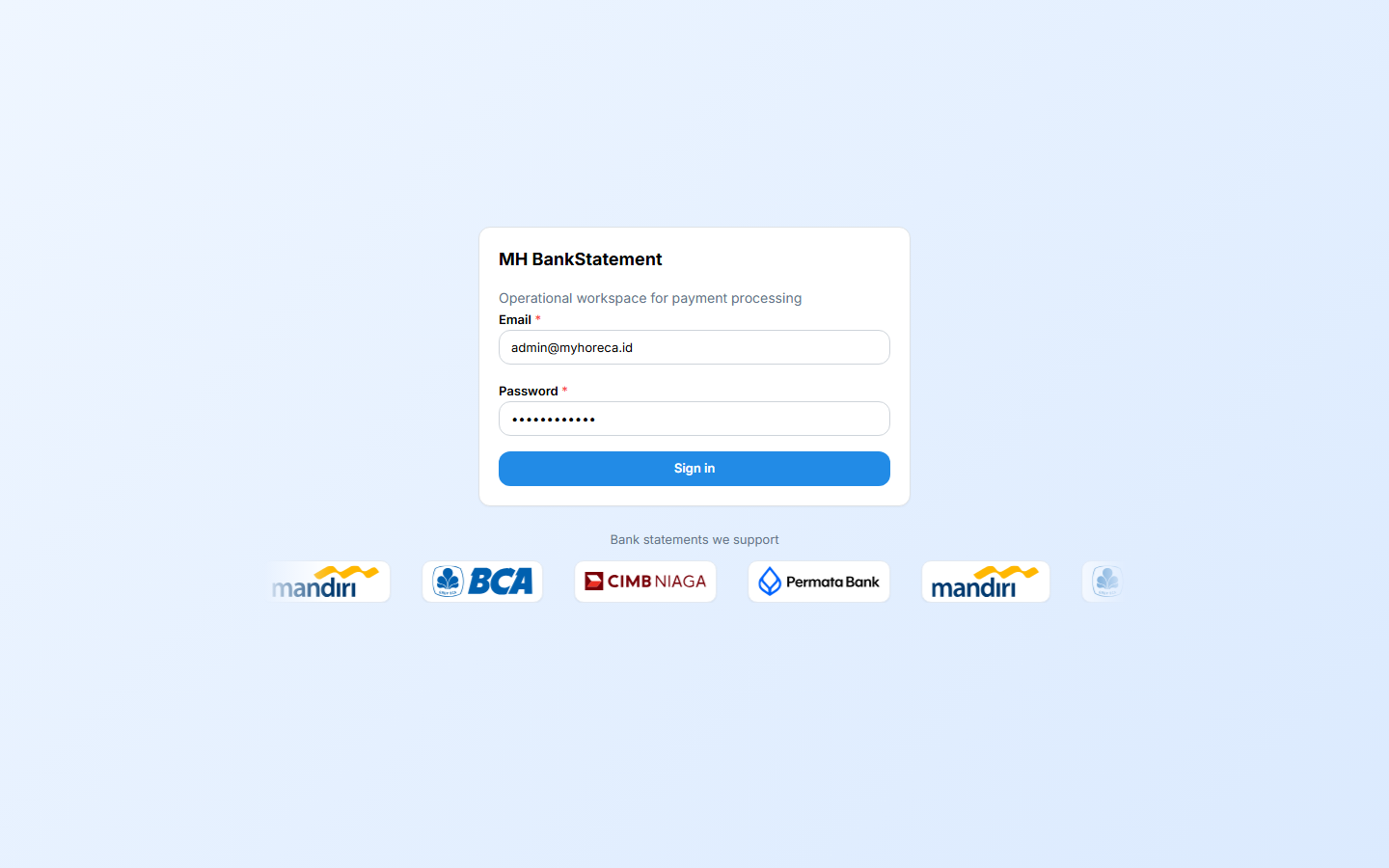
Sign in with your assigned account. On your first visit, the portal uses your browser language when supported; your language-switcher choice is remembered.
Dashboard and accountant workbench
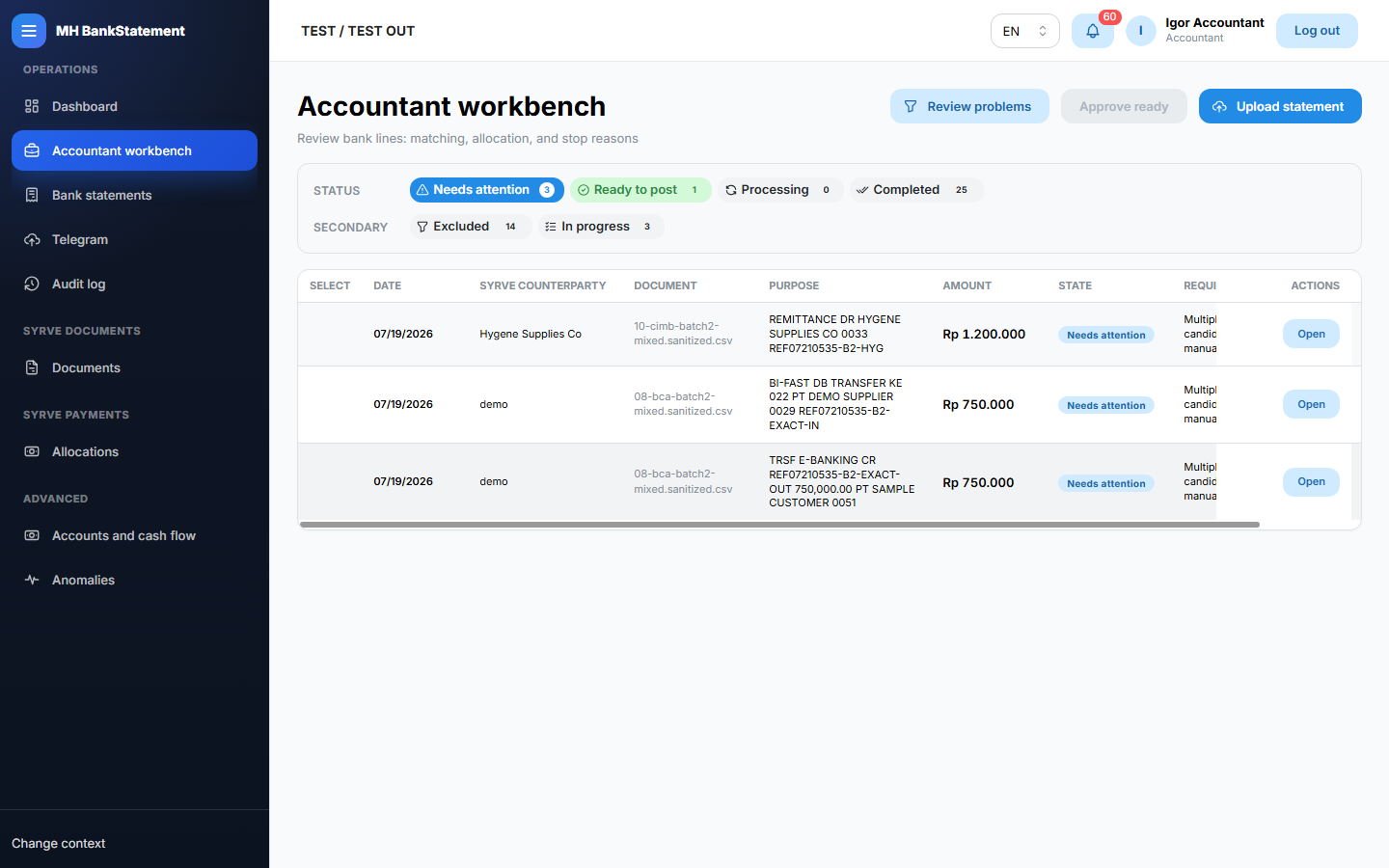
Dashboard gives an operational overview. Accountant workbench groups bank-payment work that needs action.
Bank statements
Upload and list statement imports. Open an import to inspect transactions, import quality, duplicates, and related workflow information.
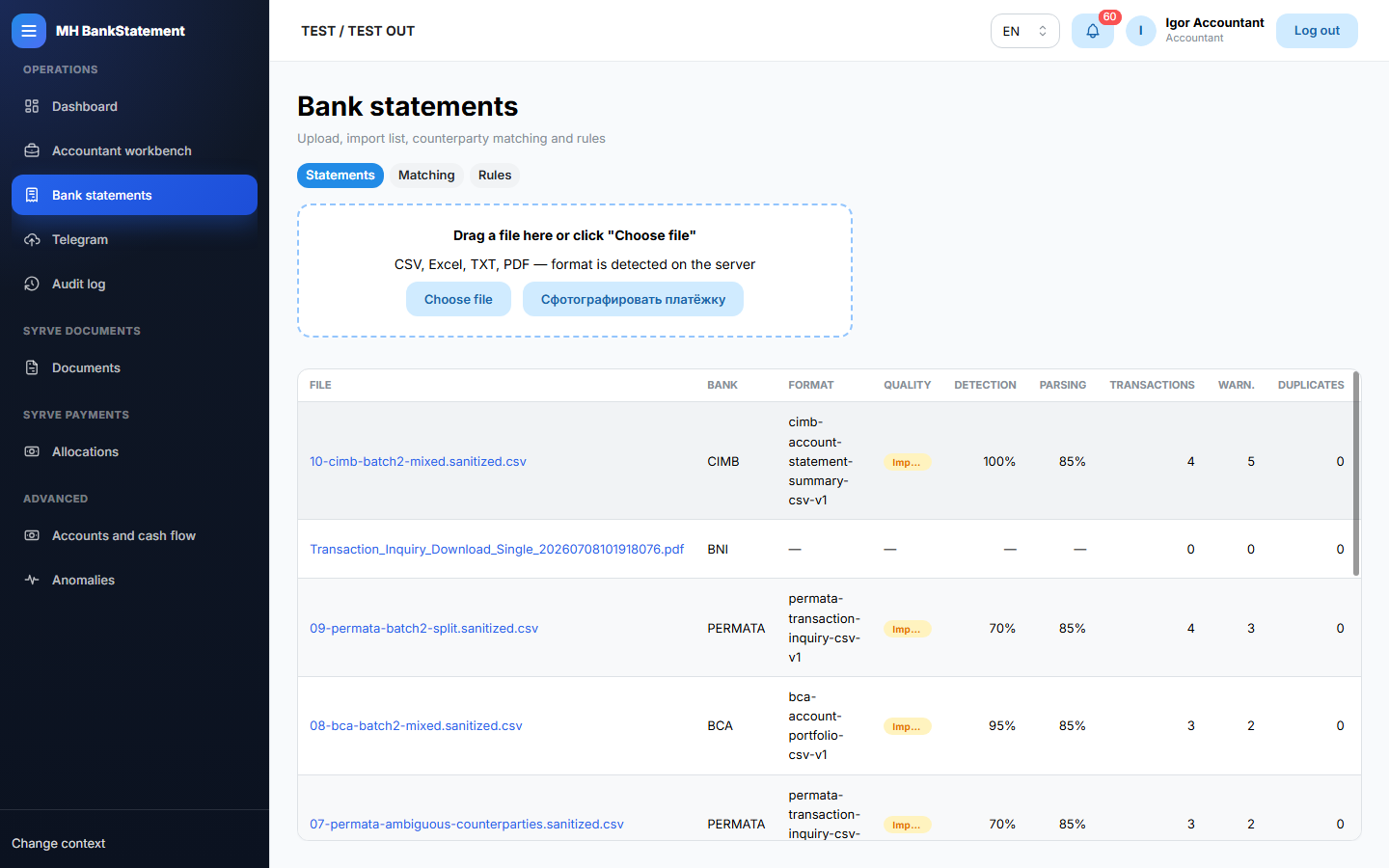
Bank statement detail
Review one import before changing its matching or payment workflow data.
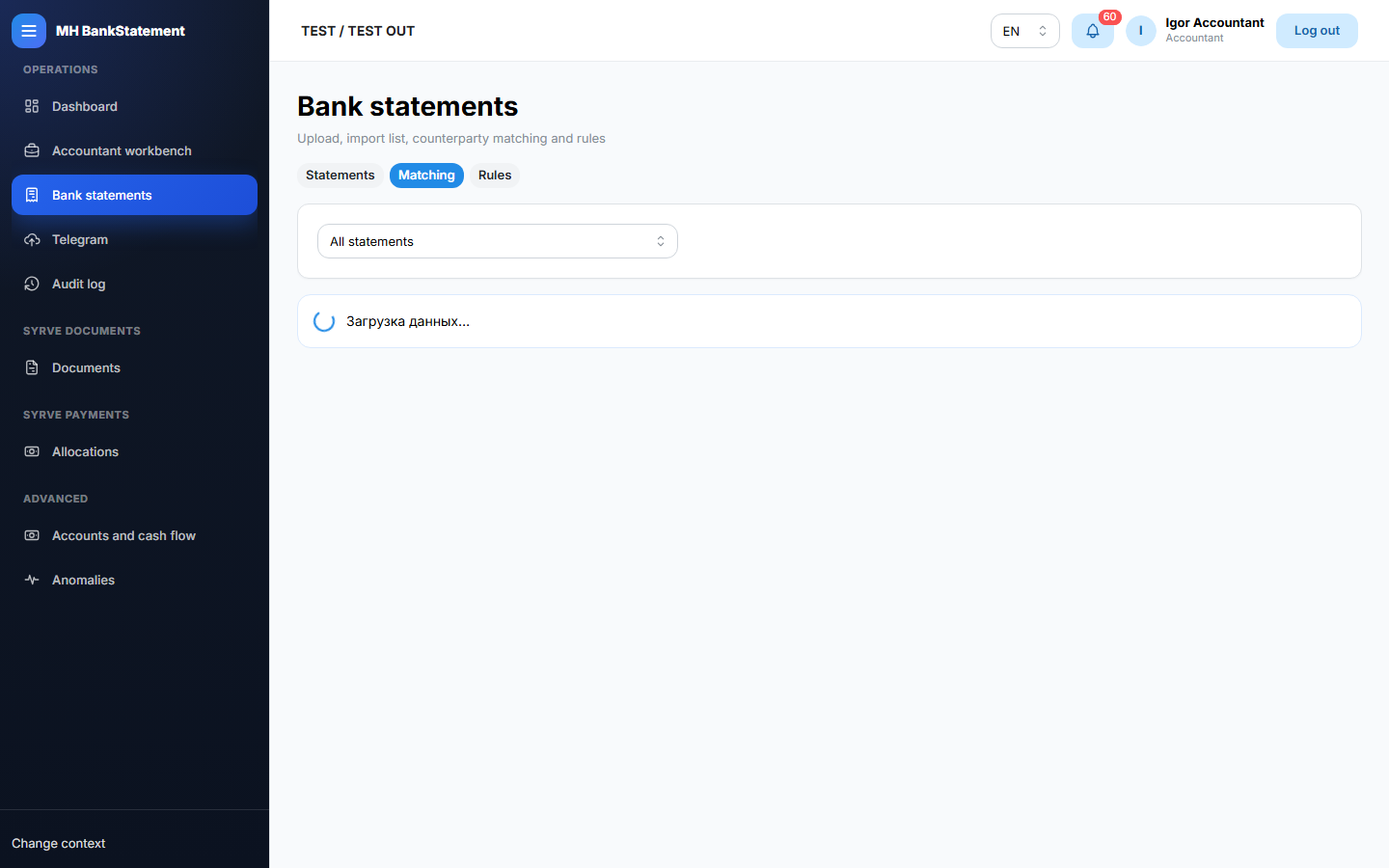
Name matching
Review counterparty suggestions and matching rules. Use only source-supported information.
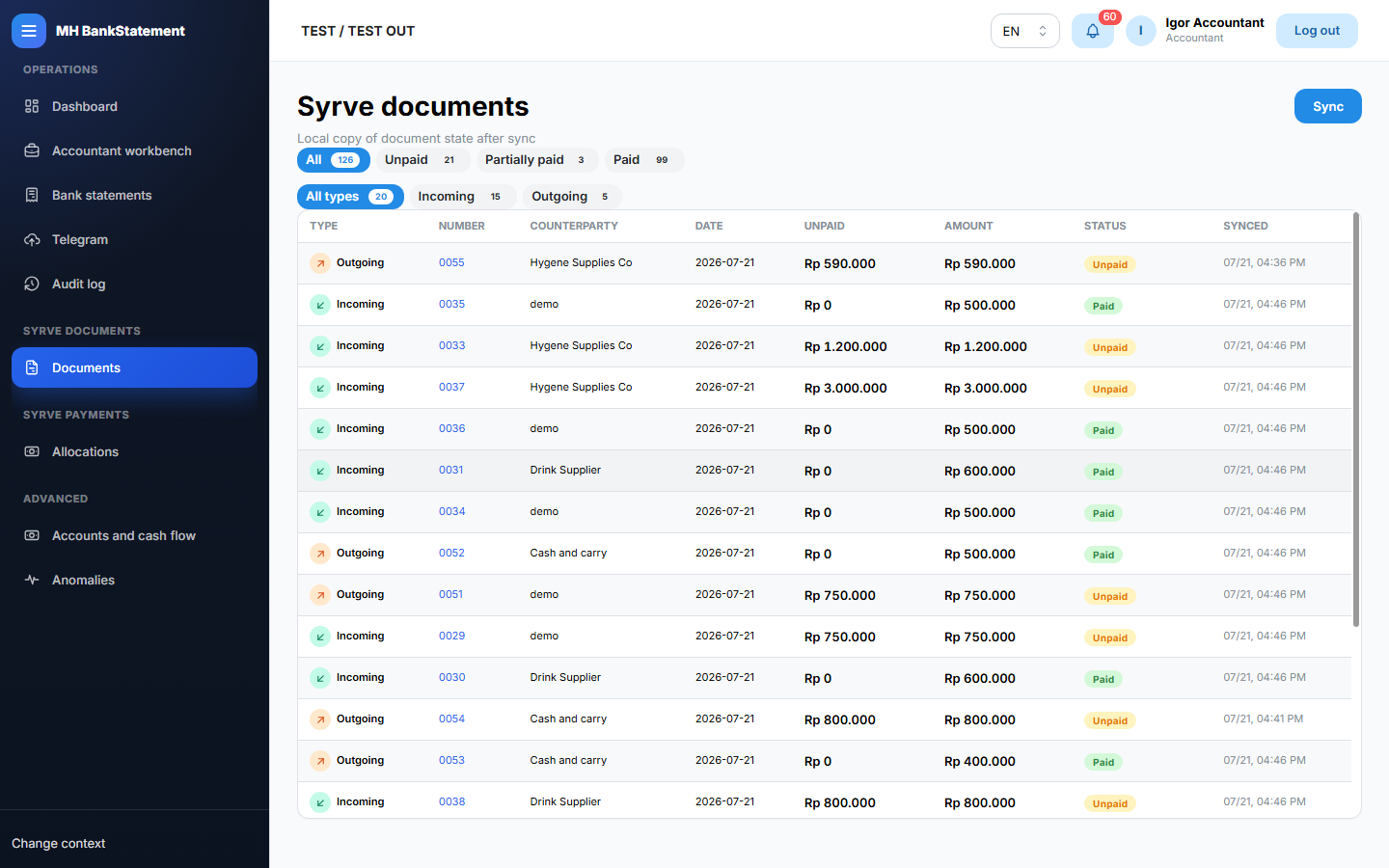
Syrve documents
View documents used in the payment workflow and their available status information.
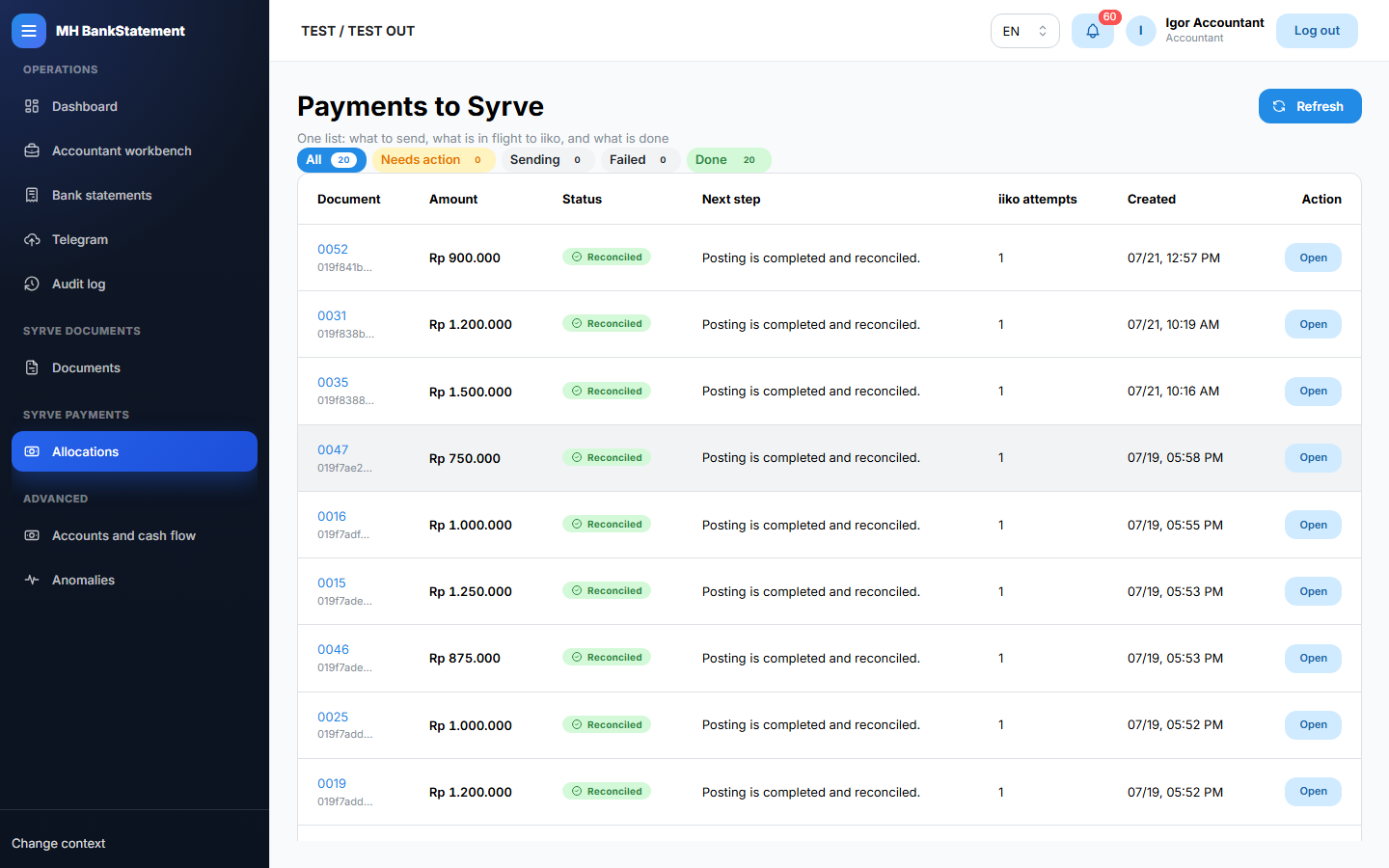
Payment allocations and posting flow
Review how a bank transaction is allocated, then follow the controlled confirmation and posting steps shown on the page.
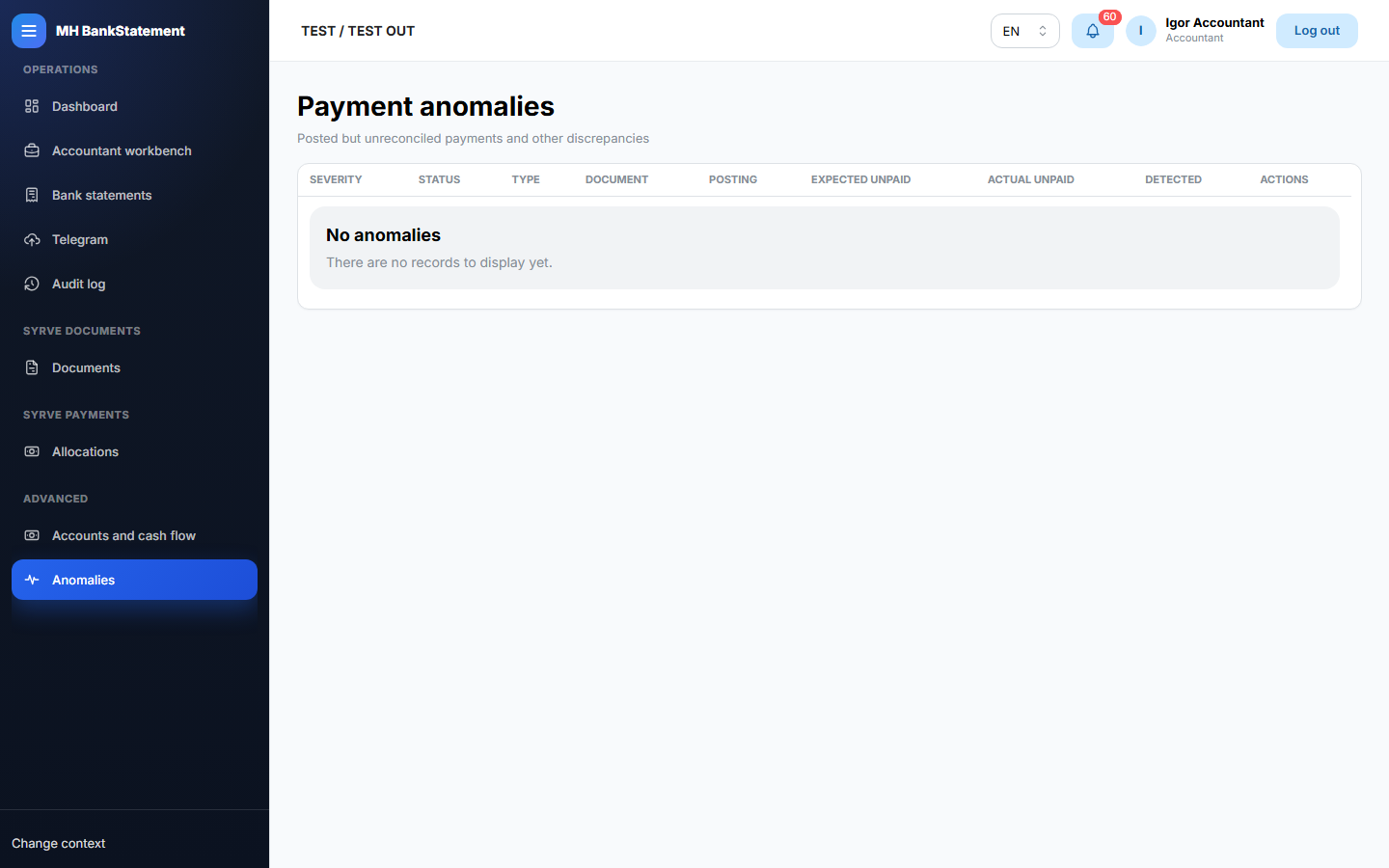
Payment anomalies
Work through blocked, failed, or inconsistent payment cases. Read the reason before retrying or reconciling.
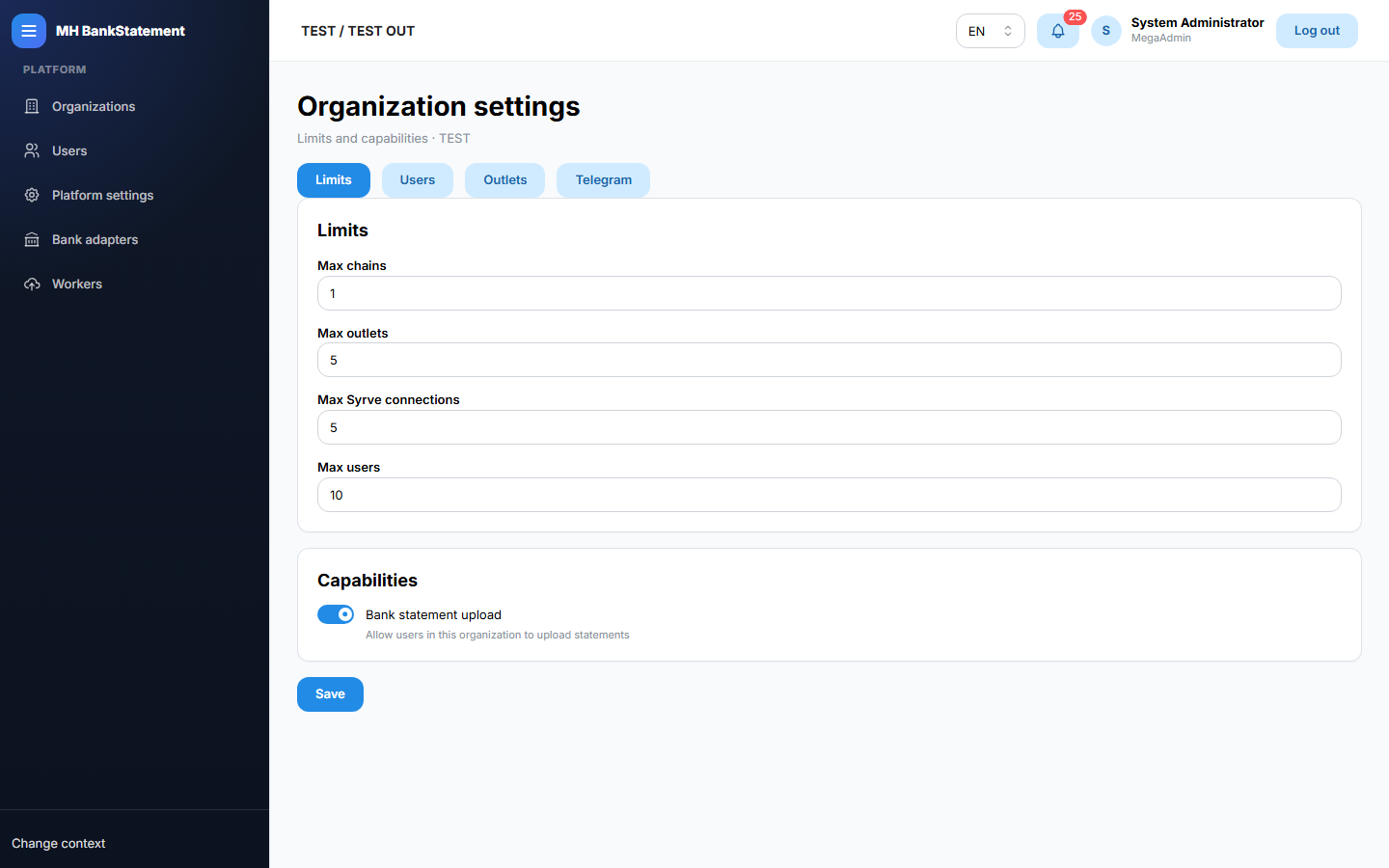
Settings
Manage only the settings available to your organization role. Organization user management is under Settings → Users.
Platform organizations and users
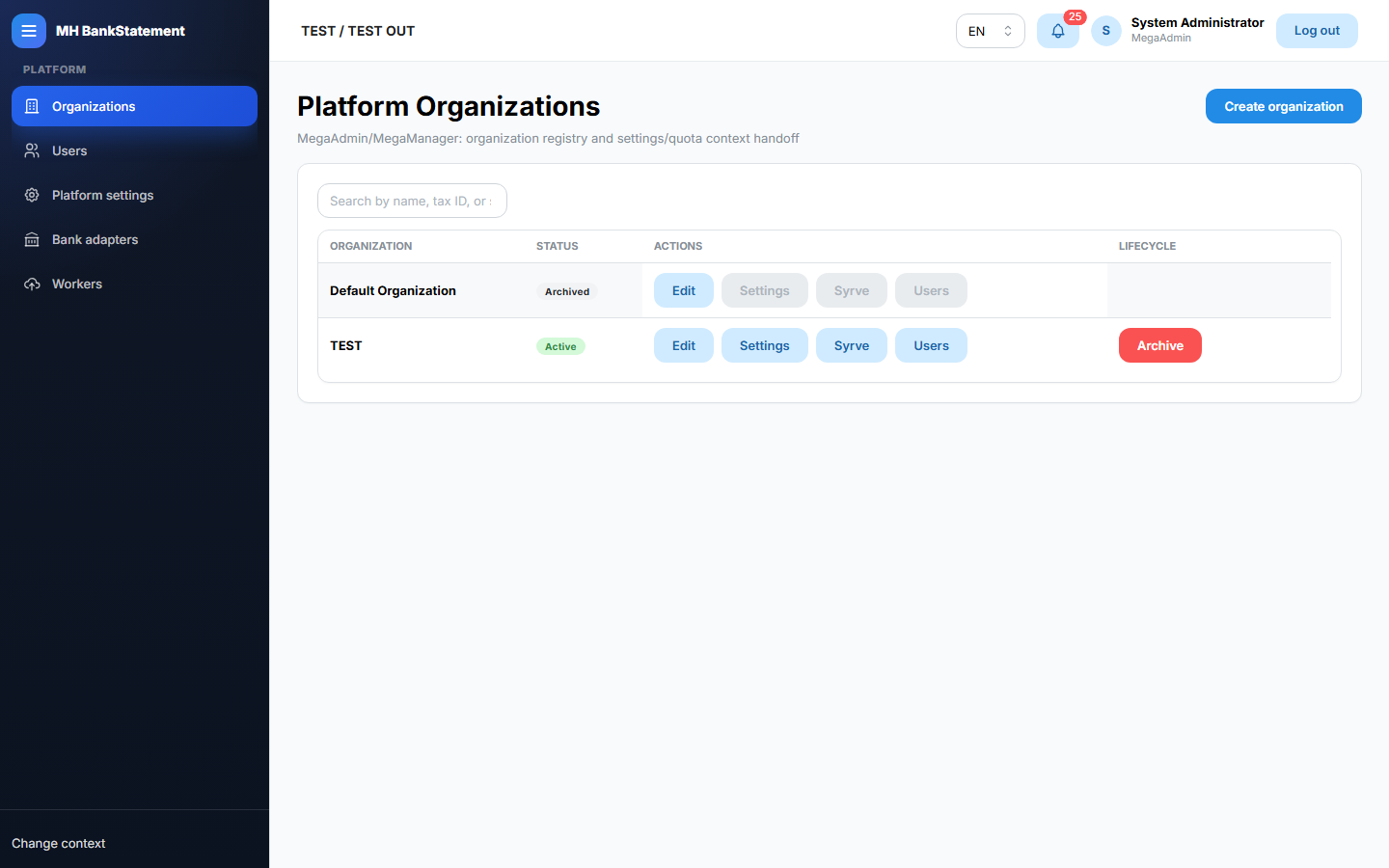
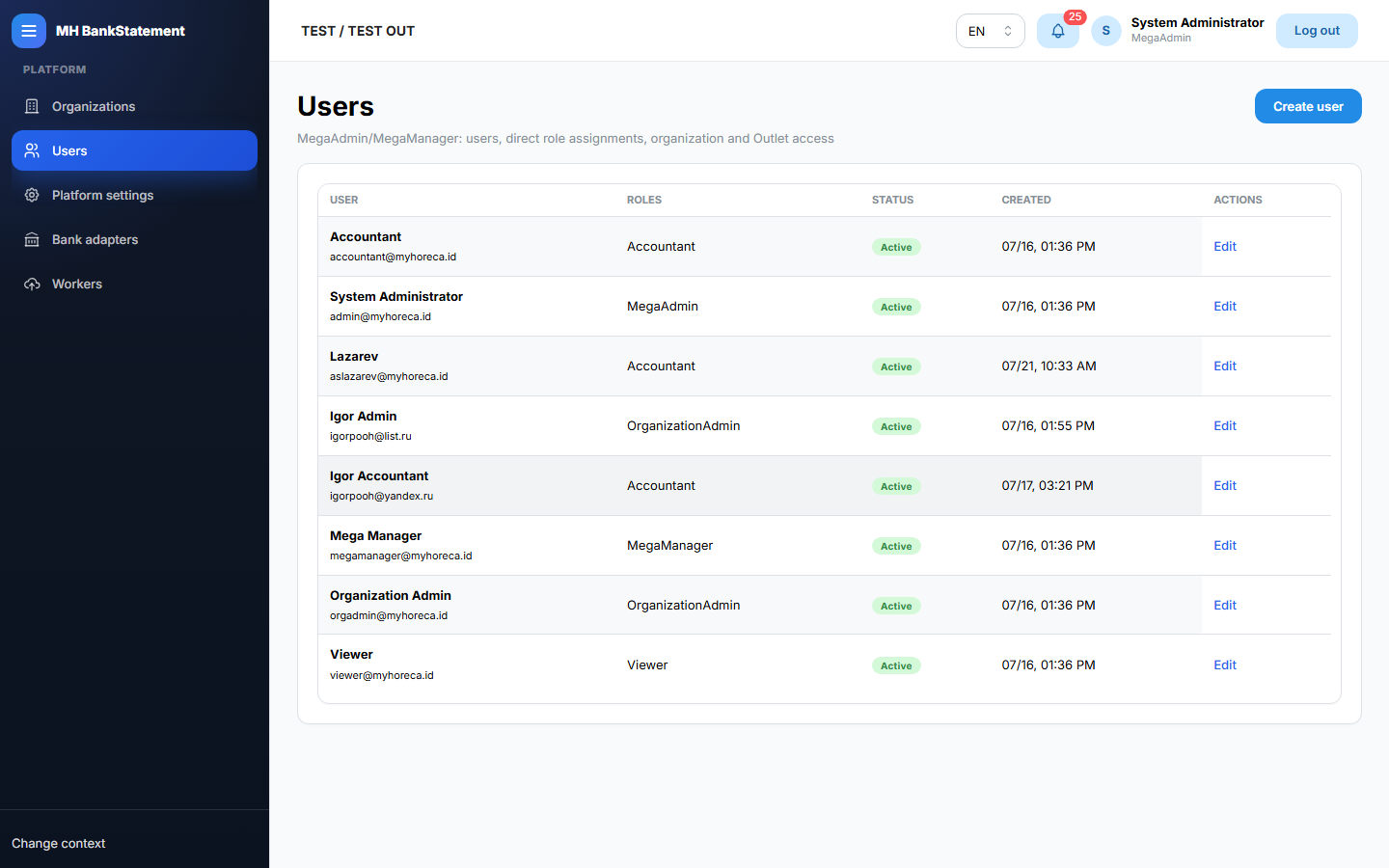
Platform roles use these pages to view organizations and manage platform users and role assignments.